Defeat urgency bias.
Master what truly matters.
Standard to-do lists treat critical milestones the same as routine errands. Prior. gives you the clarity to focus, schedule, delegate, and eliminate.
What is the Eisenhower Matrix?
A timeless decision-making principle created to solve the friction of modern task overload.
“What is important is seldom urgent, and what is urgent is seldom important.”
The Trap of “Flat Lists”
Every standard checklist puts all tasks in a single column. An emergency server crash looks identical to buying paperclips. This creates urgency bias — the psychological habit of tackling whatever feels noisy right now while putting off deep, meaningful work.
The Two-Dimensional Solution
Prior breaks the flat-list trap by forcing a simple 2D decision on every task: Is it Urgent? and Is it Important? Instead of endlessly reacting to notifications, you consciously separate immediate fires from true long-term value.
Urgent & Important
Immediate crises and hard deadlines. Estimate completion times to trigger proactive alerts for zero delayed deadlines.
Not Urgent & Important
Deep work, strategic planning, gym, and learning. Protect this time on your calendar.
Urgent & Not Important
Interruptions, admin overhead, and quick favors. Pass them on or batch them together.
Not Urgent & Not Important
Mindless scrolling, trivia, and time-wasters. Safely drop them with zero guilt.
How does Prior bring this to life?
Explore the 7-step illustrated story below to see how Prior guides your day from start to finish.
A Typical Day With Prior
Follow along to see how simple, mindful habits replace chaotic flat to-do lists.

Open the App(Zero sign-ups, ever)
Forget about making an account, verifying your email, or remembering another password.
Download Prior, double-click it, and it opens instantly on your desktop. Your tasks stay 100% private on your own computer.
Add a Task & Answer 2 Simple Questions
Whenever something pops into your head, type it in. But before you hit Add, Prior asks two quick questions:
No more guessing. Two seconds of thinking saves hours of wasted effort.

See Your Priorities Across 4 Clear Boxes

You are always in full control. Based on your two answers, slot your task right where it belongs:
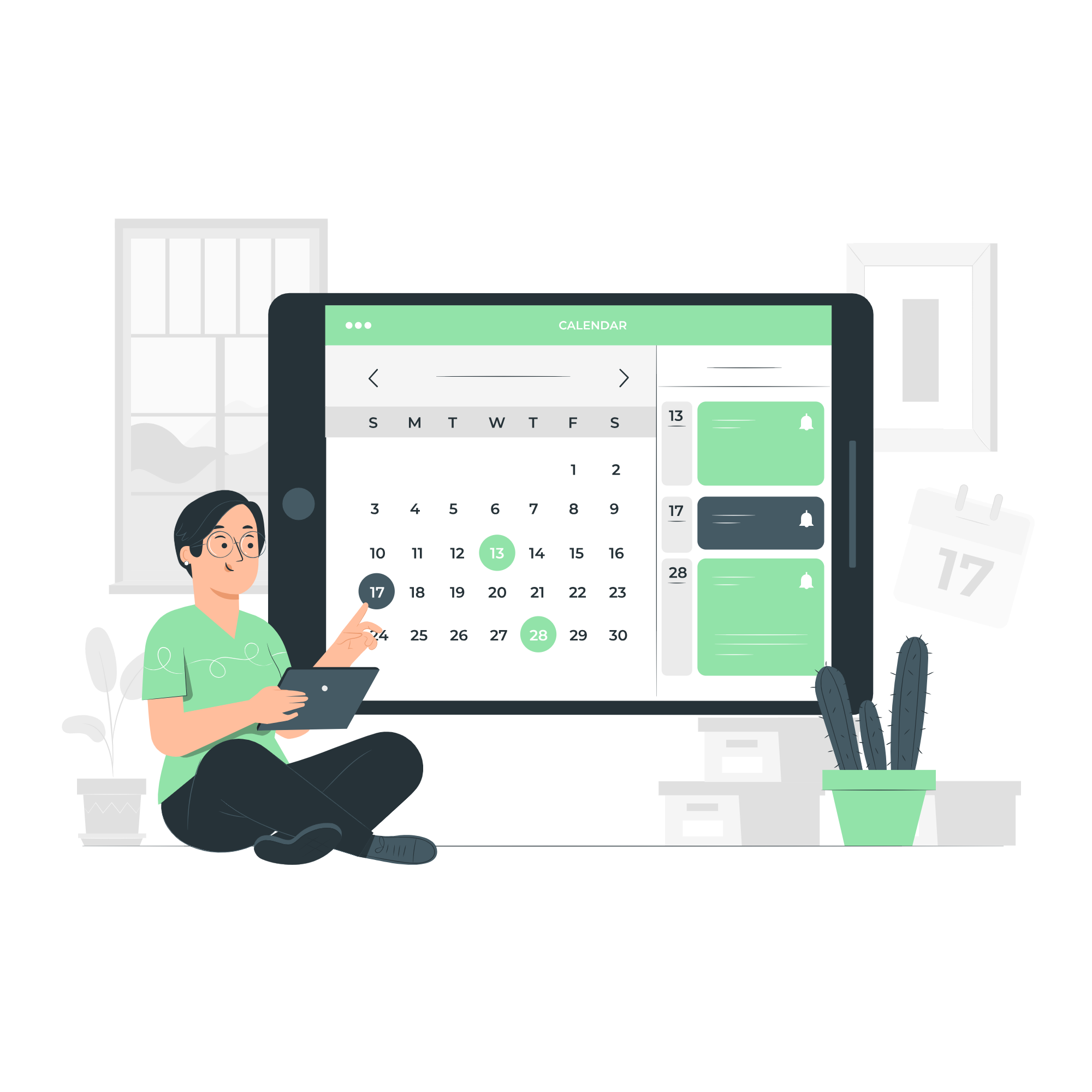
Want to see your week at a glance? Switch over to Prior's dedicated Calendar View.
Important goals often get lost when they don't feel urgent today. With a full calendar right inside the app, you can spot all your scheduled Q2 tasks and upcoming deadlines in one place. Protect time for your studying, gym, and passion projects before routine chores push them aside.
Switch to the Calendar View(Spot Every Deadline at a Glance)
Lock In with the Built-in Focus Timer

Planning is only half the battle, doing the work is what counts.
Select your top task, hit Start Timer, and get into the zone. Prior gives you 25 minutes of pure, uninterrupted focus, followed by a 5-minute break to stretch and reset.
Click the checkmark. That feeling of real progress? Unbeatable.
Everything is saved instantly and securely on your own computer in a local database. When your day is done, close your laptop and enjoy your evening knowing you worked on what truly mattered.
Check It Off and Enjoy Your Evening(Celebrate Progress & Close for the Day)

Curious how your week went? Open Prior's built-in Analytics View.
See your quadrant completion ratios, daily focus streaks, and total Pomodoro minutes logged right from your local database. Watch your time naturally shift away from frantic firefighting (Q1) and into real, long-term growth (Q2).
Track Your Growth in Analytics View(See Where Your Time Went)

Watch Prior in Real Time
Experience the fast, distraction-free desktop workflow designed to give you clarity and protect deep work.
 Prior. — Desktop Task Manager
100% Offline & Private
Zero accounts, zero cloud sync, and zero tracking. All your tasks stay safely inside your local SQLite database on your own PC.
Zero-Delayed Deadlines
Set estimated durations on urgent Red Quadrant tasks. Prior calculates your required buffer and sends timely desktop alerts before it's too late.
Integrated Focus Timer
Select your urgent or important tasks and launch a 25-minute Pomodoro session with single-click distraction-free focus.
Dedicated Calendar View
Map out your scheduled Q2 goals across the month so strategic deep work never gets buried by routine daily fires.